
Your choice of writing software can make or break a 90,000-word crime novel. After wrestling with character arcs across multiple timelines, tracking forensic details, and managing subplot threads that weave through twenty-plus chapters, the wrong tool becomes a creative obstacle rather than an enabler.
Across eighteen series and more than 150 novels, I have found that the software you choose shapes not just your workflow, but how you think about story structure itself. Each platform encourages different approaches to organizing complex narratives, and understanding these differences is crucial for any crime writer committed to finishing long-form work.
Why Microsoft Word Falls Short for Complex Crime Fiction
Microsoft Word remains the industry standard for manuscript submission, but it was designed for documents, not novels. When you are juggling multiple suspects, alibis, and evidence chains across a police procedural, Word’s linear structure becomes a straightjacket. I learned this the hard way during my early novels, spending more time scrolling through endless pages than actually writing.
The fundamental problem is navigation. In a crime novel, you constantly reference earlier scenes, check character descriptions, and verify timeline consistency. Word’s search function helps, but it cannot replace the bird’s-eye view you need for complex plotting. When I was developing the intricate conspiracy threads in my Alex Harlan series, I found myself maintaining separate documents for character notes, timeline tracking, and plot outlines. This fragmented approach inevitably led to inconsistencies and wasted revision time.
Word also struggles with version control for collaborative editing. Crime novels often require research consultation with law enforcement professionals or forensic experts. Managing their feedback alongside editorial revisions becomes unwieldy when everything lives in a single, massive document.
Google Docs: The Collaboration Champion with Limits
Google Docs excels at real-time collaboration, making it invaluable when working with editors, beta readers, or research consultants. The commenting system works brilliantly for developmental feedback, and the revision history prevents the panic of lost work that every novelist experiences at least once.
However, Google Docs inherits Word’s structural limitations while adding performance issues. Documents longer than 50,000 words start to lag, particularly when multiple users are commenting. I have watched the cursor freeze mid-sentence during crucial writing sessions, breaking the flow that crime fiction demands. The formatting options are also limited compared to Word, which matters when preparing submissions that need to look professional.
The platform works best for shorter projects or specific collaboration phases. I use Google Docs for sharing sample chapters with early readers or working through problematic scenes with my editor, but it cannot handle the full manuscript load of a complex thriller.
Scrivener: Built for the Long Game
Scrivener was designed by writers for writers, and it shows. The software treats your novel as a living project rather than a static document, allowing you to break chapters into scenes, maintain character sheets alongside your text, and view your story structure at multiple levels simultaneously.
The research folder feature proves invaluable for crime fiction. I keep police procedure notes, location photographs, and character backstories directly within the project file. When writing a scene in my DCI Isaac Cook series set in a specific London neighborhood, I can reference street maps and local details without leaving the writing environment. This integration keeps me in the creative flow rather than constantly switching between applications.
Scrivener’s corkboard view transforms how you approach plotting. Each scene becomes an index card you can rearrange visually, making structural revisions manageable rather than overwhelming. When I realized a crucial revelation was happening too early in one of my psychological thrillers, I could drag the scene to a later position and immediately see how it affected the surrounding chapters.
The compile feature handles formatting automatically, producing clean manuscripts for submission while preserving your working structure. This separation between writing and presentation eliminates the formatting headaches that plague Word users.
My Working Approach: Tools for Different Phases
After years of experimentation, I have settled into a hybrid approach that leverages each tool’s strengths. Initial plotting and structural outlining happens in Scrivener, where I can build the story skeleton using index cards and research folders. The visual organization helps me spot pacing problems and plot holes before I invest time in actual prose.
First draft writing stays in Scrivener throughout the process. The ability to write scenes out of sequence while maintaining overall structure proves crucial for crime fiction, where you often need to plant clues retroactively or adjust red herrings based on how the mystery develops. I frequently write the climactic revelation scene early, then work backward to ensure proper foreshadowing.
Developmental editing moves to Google Docs once I have a complete draft. I export individual chapters for targeted feedback from beta readers or professional editors. The collaboration features shine during this phase, and the smaller document sizes eliminate performance issues.
Final manuscript preparation returns to Word for formatting consistency and industry-standard submission. Publishers and agents expect Word documents, and the software’s advanced formatting tools ensure professional presentation. I maintain the Scrivener project as the master file and use Word purely for delivery.
Common Mistakes That Kill Productivity
The biggest mistake I see crime writers make is choosing tools based on what others recommend rather than their own workflow needs. A writer who plots extensively before drafting may thrive in Scrivener’s structured environment, while someone who discovers their story through writing might find the organization overwhelming initially.
Switching tools mid-project represents another productivity killer. I have watched writers abandon 30,000 words to migrate from Word to Scrivener, losing momentum and creative energy in the transition. If you start a novel in Word, finish it there. Evaluate alternatives between projects, not during them.
Over-organizing can become a procrastination tool, particularly in Scrivener. The software offers extensive customization options that can become elaborate avoidance mechanisms. I have seen writers spend weeks perfecting their project templates while never writing actual scenes. Remember that the best organizational system is the one you actually use consistently.
Ignoring backup strategies proves catastrophic regardless of your chosen platform. Cloud-based solutions like Google Docs offer automatic protection, but local applications require manual backup routines. I maintain multiple backup copies across different devices and cloud services. Losing months of work to hardware failure or software corruption will teach you this lesson the hard way if you ignore it proactively.
Finally, many writers underestimate the learning curve involved in switching platforms. Scrivener particularly requires significant time investment to master its features effectively. Plan this learning during downtime between projects, not when you are trying to meet deadlines. The fast-paced nature of action thrillers demands writing momentum that software struggles can destroy.
Conclusion
Your writing software should disappear into the background, enabling creativity rather than hindering it. For long crime novels with complex plotting requirements, Scrivener offers unmatched organizational power, but only if you invest the time to learn it properly. Word remains essential for final submission, while Google Docs excels at collaborative editing phases. The key is matching tools to specific workflow needs rather than seeking a one-size-fits-all solution.
About Phillip Strang
Phillip Strang is an Australian crime and thriller novelist. Across eighteen series and more than 150 novels, his work spans London police procedurals (DCI Isaac Cook), UK investigations (DI Tremayne), Australian outback crime (Maya Thorne), FBI thrillers (Alex Harlan), Scottish Highland mysteries (DI Sarah Lynch), and espionage (Steve Case). Learn more about Phillip or browse his complete catalogue on Amazon.
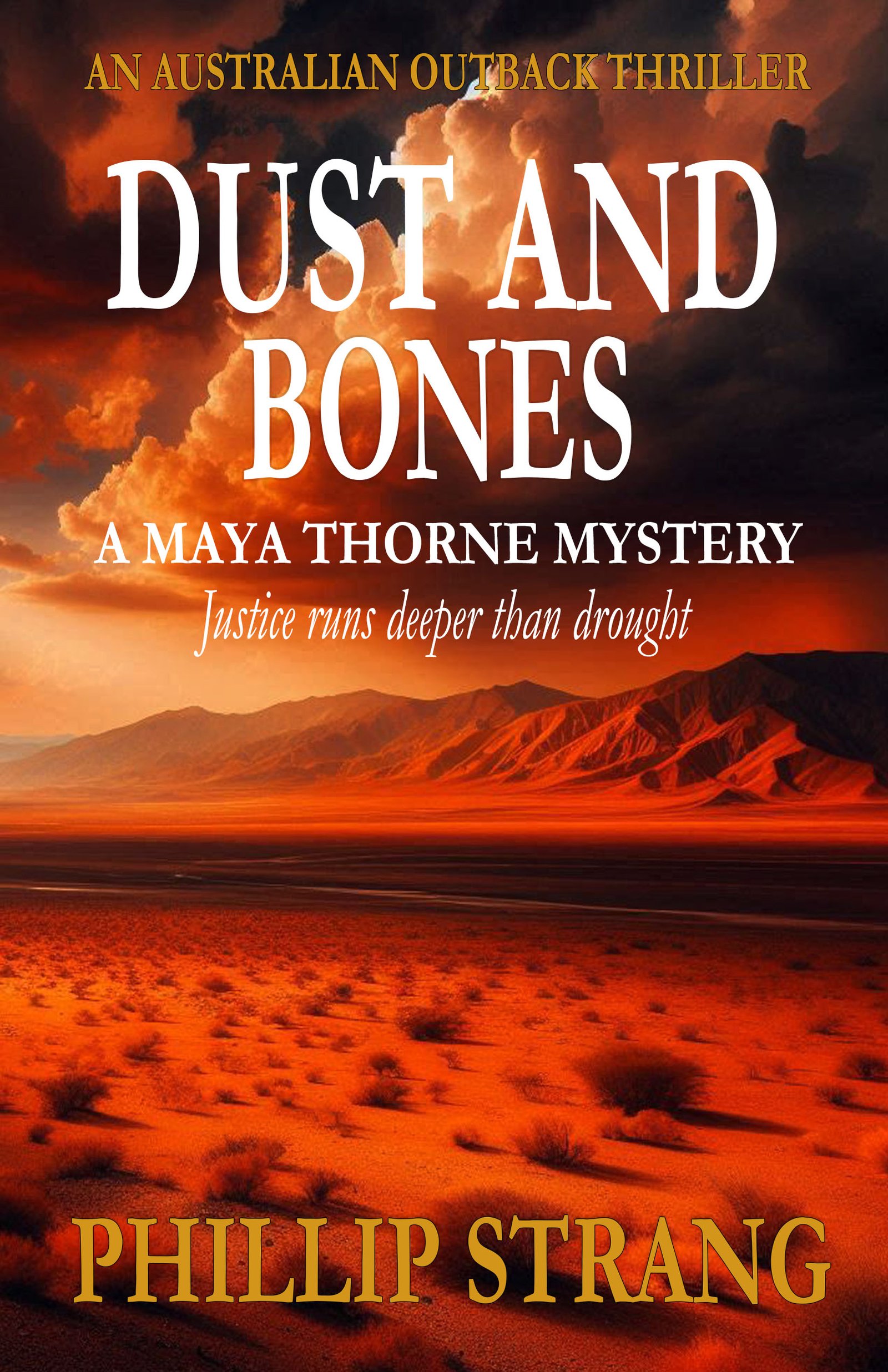
A MAYA THORNE MYSTERY
Get Dust and Bones Free
Justice runs deeper than drought.
Red dust. Shallow graves. A detective who hunts killers where the law runs thin and the nearest help is two hundred miles away.
Send Me the BookYou'll also receive occasional new release emails. Unsubscribe anytime. No spam, ever.
As an Amazon Associate, Phillip Strang earns from qualifying purchases. This page contains affiliate links — buying through them costs you nothing extra.